
Sinterit is creating an affordable SLS printer, which seems like a contradiction, but they are doing it. They’ve been working out bugs, adding new functionality, and creating a very sleek, new industrial design for their $5,000 machine.

Sinerit isn’t the first company to work on a low-cost SLS machine, since the technology’s patents began to expire, which include Sintratec’s €3990, launched on Indiegogo; the Sharebot Snow White printer, still in development; and the Ice9 and Ice1 printers from Norge, recently purchased by French industrial 3D printer manufacturer Prodways.
Though it may not be the first, creating a desktop SLS printer presents a whole host of challenges, as you can imagine. And it’s worth breaking down exactly how an SLS printer works. Though it can be described relatively easily (spread layers of powder, sinter where objects have walls, repeat until finished), implementing this process is difficult because of a.) a lack of information on how to do this and b.) a few obscured obstacles.
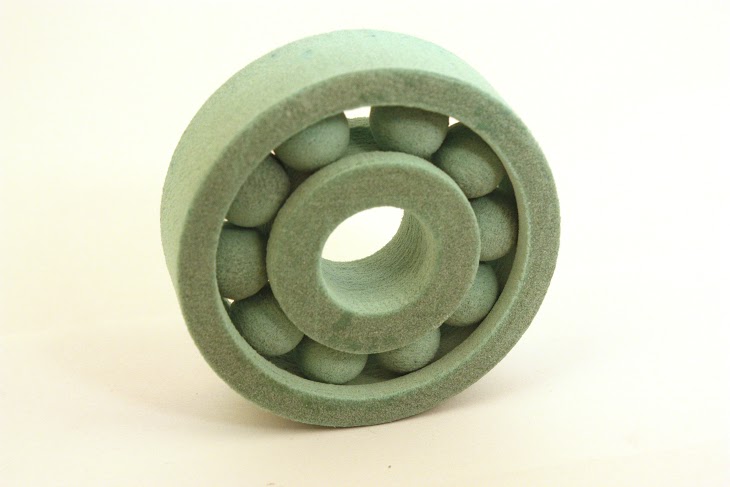
To begin with, an SLS printer relies on heating functions in three different zones: the feed zone (storage of unused powder), the print bed (where the printing occurs), and the cylinder zone (where the object is stored until it is ready to be removed). The temperatures in these three zones have to be precisely controlled within 2 degrees Celsius, as compared to 10 degrees Celsius for most extruder-based printers.
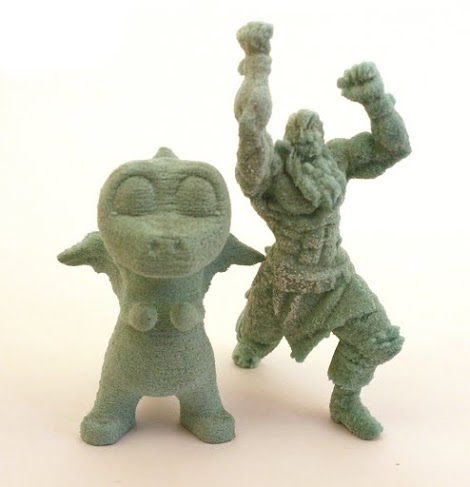 Next, the slicing software and firmware have to be excellent. In order for them to be truly excellent and well-integrated, they have to be written from scratch (open source is good, but the quality can sometimes be less than desirable).
Industrial SLS printers also require more more power (up to 5KW from 3 phase outlets during printing), and Sinterit had to reduce that amount, which they did. They also had to choose the right laser system – in their case a YAG, CO2, diode – to ensure the best results. Though this is a simpler task relative to some those already mentioned, it is still time intensive. When all of these engineering tasks are checked off, Sinterit will be left with the only type of printer that requires no supports and has no moving mechanism, which allows for amazing and complex geometric prints.
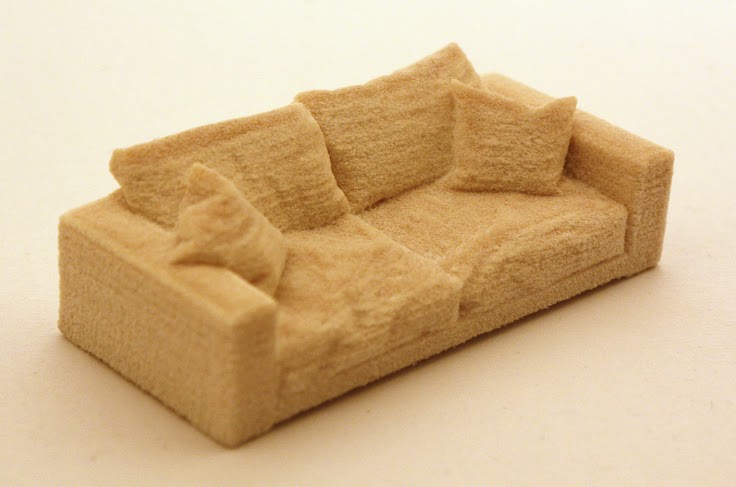
So, who’s behind this cool project?
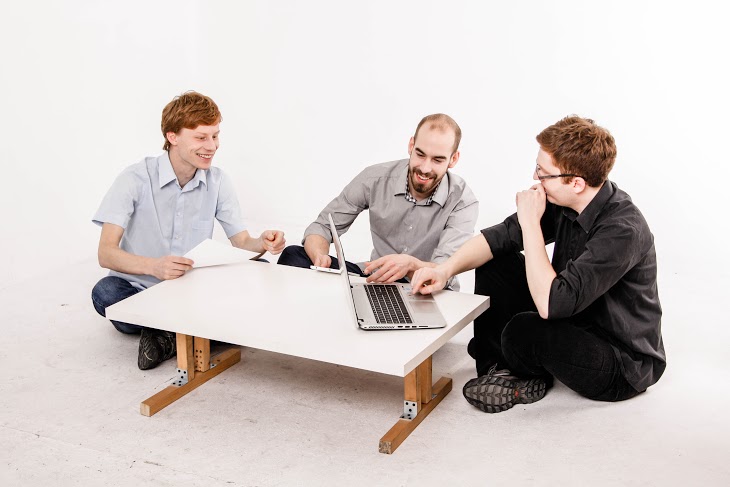
The project leader is Paul Szczurekis, who has a master’s degree in computer science (3D geometry and algorithms specialization) and whose previous work included computer games and a 2-year stint at Google. Konrad Głowackiis worked at a startup, before he worked at Google for 4 years. His experience is in marketing automation tools and, therefore, has ample experience in large scale marketing. Mike Grzymała Moszczyński is trained in engineering, construction machinery, automation, robotics, and mechatronics. He was part of a project called “Conceptual Design and Development of Innovative Products”, which was organized by Bang&Olusfen and five different European Universities. His job was to take designs and ideas and create functional prototypes.
They are still busy finalizing the development of their low-cost SLS machine and preparing it for production. Though they’re making significant progress, these things take time, and Sinterit hopes to have this eagerly anticipated printer ready for purchase before the end of the calendar year.