

These days, pretty much all students are required to have a graphing calculator. Some schools even start requiring them as early as middle school. There are a lot of benefits to utilizing this technology in the classroom, but it comes at a price. Literally, modern graphing calculators can cost anywhere from $90-$150!
A French team of two recent graduates, with degrees in computer science and mathematics, are looking to ease the financial burden on students who need these calculators.Pierre Parent and Ael Gain have started a project called LibreCalc, with a mission “to make a scientific calculator, fully usable, with good ergonomic[s], which will be fully free software and open hardware.”
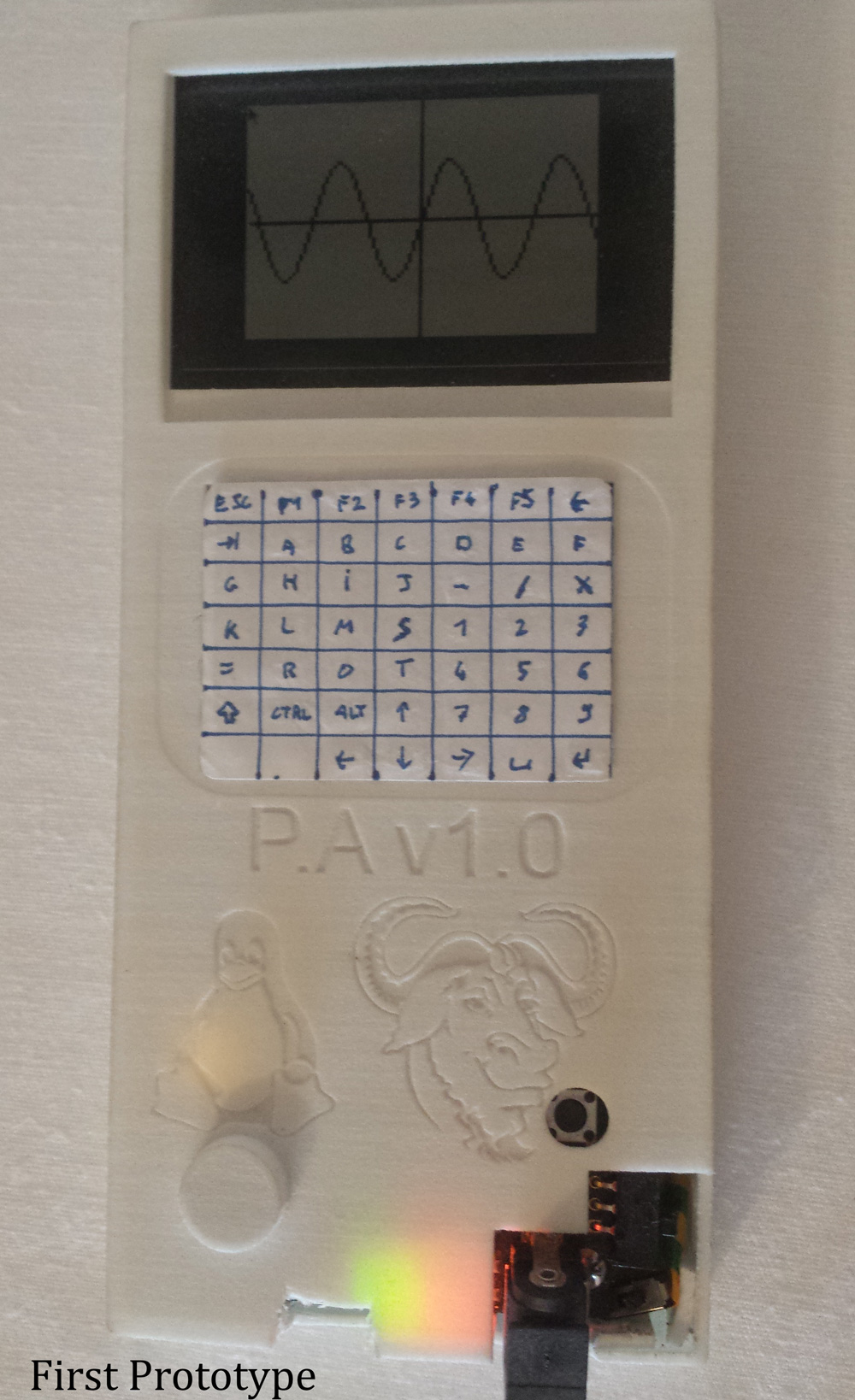
Programmed in Python, part of the reason why they want LibreCalc to be open source is their belief that calculators can often be the first setting where students are exposed to programming. If everything is open-source,then beginning programmers can see the code, and learn from it.
Parent and Gain designed the casing using FreeCAD, and have been 3D printing the prototypes. Their calculator will be a complete CAS (Computer Algebra System) powered by an ARM processor running Linux, and it will all be displayed on a color TFT screen. Currently, they’re finishing up a second version of their prototype that features 128MB RAM, optimized software, and improved ergonomics.
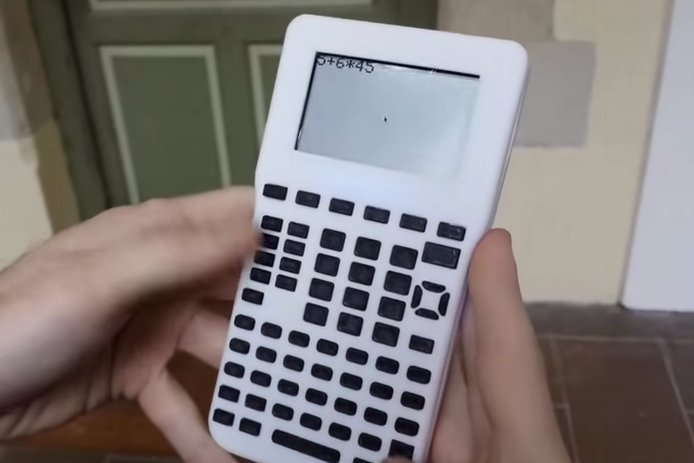
They even created a simulator that mimics the environment of a Texas Instrument graphing calculator that will help users who are used to their TI interface smoothly transition to LibreCalc. The final version of their project will even be able to program and interface with Arduinos!
All of their files are available on the project’s site, so feel free to go ahead and make your own LibreCalc, or just stay tuned for a possible Kickstarter!